Event planning gets easier when you know which tools matter most. Strong sound, clear visuals, and smooth timing help everything feel polished. But what audiovisual equipment should you choose for an event that needs to impress every guest?
That choice depends on how your event will look, sound, and operate in real time. The right audiovisual equipment for events may include microphones, speakers, mixers, projectors, LED walls, monitors, laptops, cameras, lighting, staging, cables, power sources, internet gear, backups, and on-site technicians.
You also need to think about room size, ceiling height, natural light, venue equipment, load-in time, and whether the event is indoors or outdoors. When you connect these details carefully, you avoid overspending, reduce stress, and create an experience that feels clear, professional, and well planned from start to finish.
Essential Audio Visual Equipment for Events
A strong event setup starts with equipment that handles sound, visuals, control systems and support. Each piece plays a clear role in keeping presenters confident and guests engaged.
Microphones
Clear voices help every guest stay focused from start to finish. Handheld mics suit hosts while lavaliers fit moving presenters better. Headsets work well for trainers who need both hands free. Always check battery life, range, and backup channels before showtime.
Speakers and PA System
Speakers carry every word and cue evenly across the room. A PA system matches speaker power with audience size and layout. Larger rooms may need delay speakers to keep the sound aligned. Good placement matters because loud sound still fails without clarity.
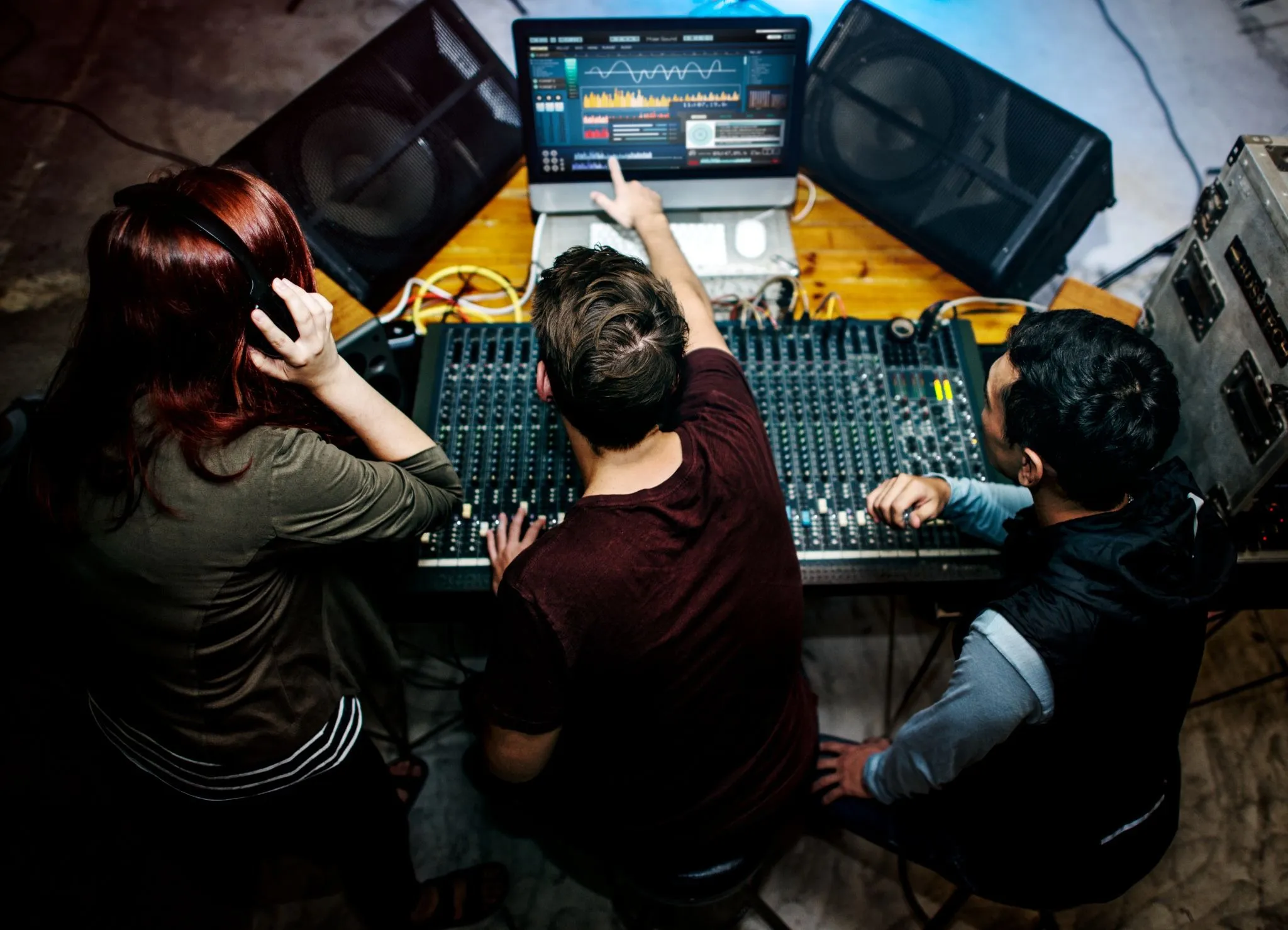
Audio Mixer or Soundboard
The mixer blends microphones, music, video sources and remote feeds smoothly. It lets technicians balance levels and reduce sudden feedback fast. Digital boards store scenes for quick changes between program segments. That control keeps the event sounding polished from opening to close.
Projectors and Screens
Projectors work well for slides, logos and video in darker spaces. Screen size should match audience distance and sightlines carefully. Brightness matters because washed images lose impact and confuse viewers. Proper throw distance also helps the picture stay sharp throughout.
LED Video Walls
LED walls shine brightly even in sunny rooms or lobbies. They create bold visuals that stay crisp for distant viewers. Modular panels can scale up for stages of many sizes. They cost more but deliver a strong impact for premium events.
TVs and Confidence Monitors
TVs help smaller audiences see content clearly without the need for massive screens. Confidence monitors face speakers and show notes, timers or slides. That support helps presenters stay natural while facing attendees. They are especially useful during panels, keynotes and hybrid sessions too.
Laptops and Media Playback Devices
Playback devices run slides, videos, music cues and branded visuals. A reliable laptop prevents lag during key moments onstage. Test every file format early to avoid last-minute surprises. Keep a second device ready if the main source fails unexpectedly.
Video Switchers
A video switcher changes sources without awkward pauses or black screens. It connects laptops, cameras, graphics, and live feeds. That makes sessions feel polished and easier to follow. Advanced switchers also cleanly add picture effects, titles, and split views.
Cameras for Recording or Livestreaming
Cameras capture the event for replay, archives or remote guests. One camera may work for simple sessions with fixed framing. More cameras add closeups, audience shots and speaker variety. Good framing improves attention and makes livestreams feel more professional overall.
Lighting Fixtures
Lighting shapes the mood, visibility and video quality throughout the event. The front lighting helps faces look clear for guests and cameras. Uplighting can add brand color and energy to plain spaces. Even simple lighting makes a stage look planned and welcoming.
Stage, Podium, and Risers
A stage gives speakers presence and improves sightlines for larger groups. Podiums support formal talks and provide a stable microphone position. Risers help panels, choirs or gear stay visible above crowds. These pieces also guide camera angles and lighting placement.
Cables, Adapters, and Dongles
Small connection tools often prevent the biggest problems on event day. Different devices need matching cable types and signal converters. Bring extra HDMI, XLR, USB-C, and power options for safety. Neat cable runs also speed troubleshooting and keep pathways safer.
Power Distribution
Every system needs reliable power to run safely all day. Power planning covers circuit extension, strips and surge protection. Large productions may require distribution boxes to balance loads. Bad power planning can stop sound, lights, and screens instantly.
Internet and Streaming Equipment
Reliable internet matters when remote guests or livestream viewers join. A wired line usually beats venue Wi-Fi for stability. Streaming gear may include encoders, network switches and backup hotspots. Strong upload speed keeps the video smooth and audio in sync.
Backup Equipment
Backup gear protects the show when something fails unexpectedly on-site. Extra microphones, cables, batteries, adapters and storage save precious time. Always keep duplicate presentation files on more than one tested device. That small effort can easily prevent major delays during live moments.
On-Site AV Technicians
Good technicians set gear correctly and solve problems quickly on-site. They manage sound checks, cue timing and live adjustments. That support keeps speakers calm and the schedule moving. Even excellent gear underperforms without skilled hands behind it all day.
Venue Factors That Affect Your AV Equipment List
The venue changes what you need and how it should work. Room design, lighting and timing can all shape a smart equipment plan overall.
Room Size and Shape
Room size decides speaker coverage, screen scale and seat visibility. Wide rooms may need extra displays so side guests can see clearly. Long rooms often need more speakers to keep the volume even. Columns or odd corners can also block sound and views.
Ceiling Height
Ceiling height affects rigging options, lighting angles and projector placement. Low ceilings can limit stage design and hanging fixtures. High ceilings may spread sound in ways that need tuning. That vertical space greatly affects both safety planning and visual impact.
Natural Light
Natural light can wash out screens and weaken stage lighting. Daytime events near windows often need brighter displays or shades. Projectors struggle when glare hits the screen from angles. Light control helps content stay readable and visually strong all day.
Existing Venue AV Gear
Built-in venue gear can save time, money and setup space. Still, you should test quality, age compatibility and operator support. Some house systems sound fine but lack important inputs. Knowing those limits early prevents stress during the event.
Power Access
Power access decides where screens, speakers, lights and mixers can go. Distant stages may need longer runs and safer cable routes. Outdoor sites often need generators or added distribution points. Check circuit capacity early so nothing trips unexpectedly during showtime.
Internet Access
Internet needs range from simple check-ins to live streaming. Guest Wi Fi rarely matches the stability of dedicated bandwidth. Remote speakers’ and uploads need stronger upload speeds. Ask the venue about wired options before making final plans onsite.
Load-In and Setup Time
Setup time affects how much gear crews can properly install on-site. Short schedules leave less room for safe testing and troubleshooting. Complex systems need careful cable runs, system tuning and rehearsals. More setup time usually means smoother cues and fewer surprises later.
Indoor vs Outdoor Conditions
Indoor spaces offer control while outdoor sites add weather risks. Wind, heat, dust, and direct sunlight can quickly affect gear performance. Outdoor events often require brighter screens and stronger speakers. Weather-ready covers and secure rigging also become essential safeguards.
Acoustics and Echo
Room acoustics shape how voices, music and effects actually sound. Hard walls and high ceilings often create echo problems. That echo reduces speech clarity and tires listeners much faster. Speaker tuning and placement can greatly improve the overall room response.
Conclusion
The right event setup is never about renting every piece available. It is about matching tools to the room, audience and goals. Start with strong sound, clear displays, reliable playback, stable power and support. Then review lighting, streaming systems, staging cables and backup options carefully. Venue size, ceiling height, light and acoustics should guide every choice. You can also skip a gear that adds cost without real value.
That balance keeps planning smarter and the experience becomes much smoother. Good preparation also helps presenters feel calm and guests stay engaged. In the end, audiovisual equipment for events should support communication clearly. When each piece fits, your event feels seamless, professional, and welcoming.